

Your experience. Clearly told.
Your story.
Your next
chapter.
An easy way to start a clear CV or resume in your own words. Choose a simple template, write at your pace and download your PDF without signing up.
No account needed. Your details stay in your browser.
Find your starting point
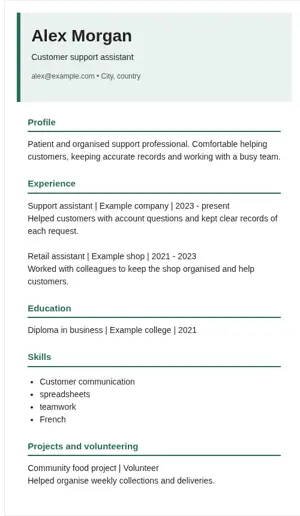
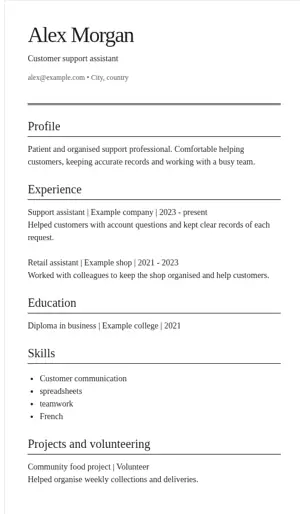
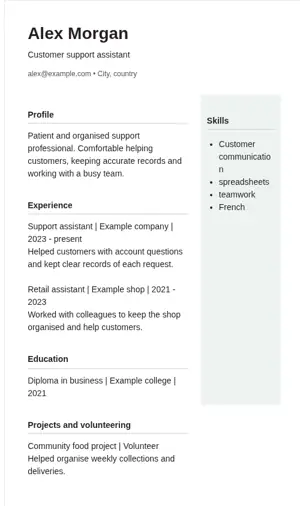
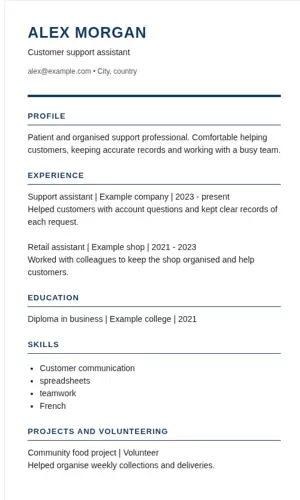
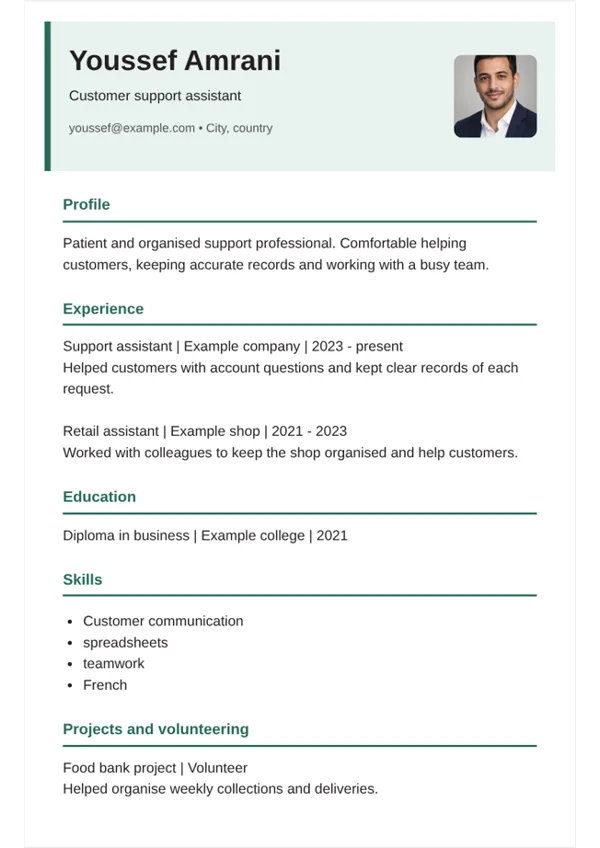
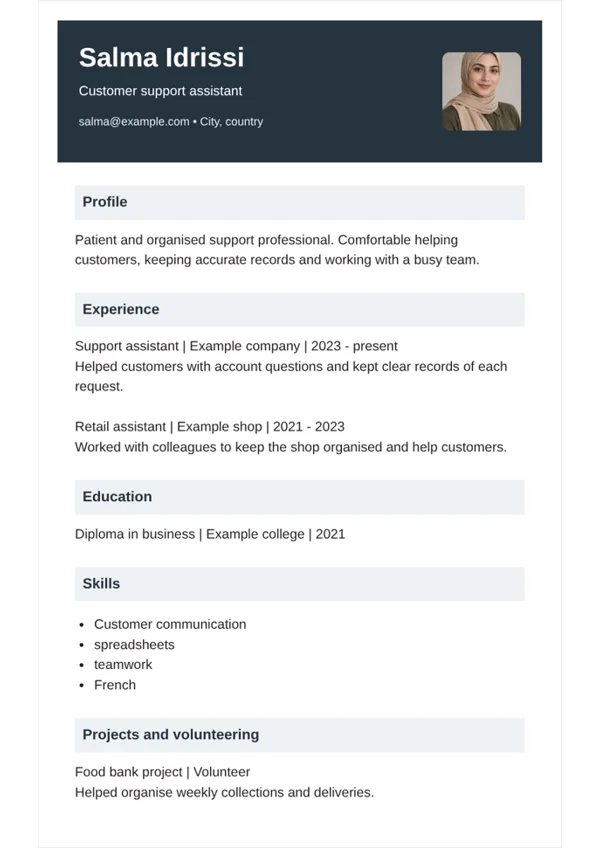
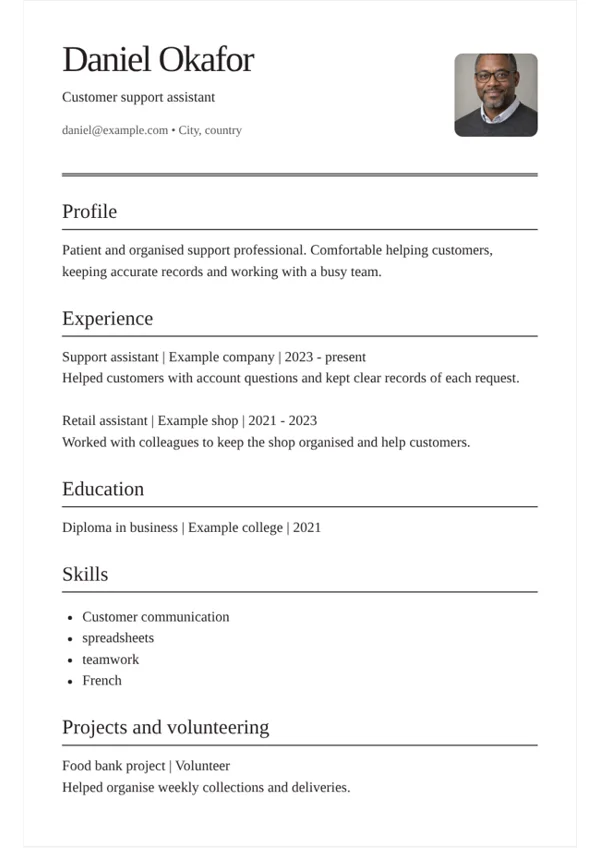
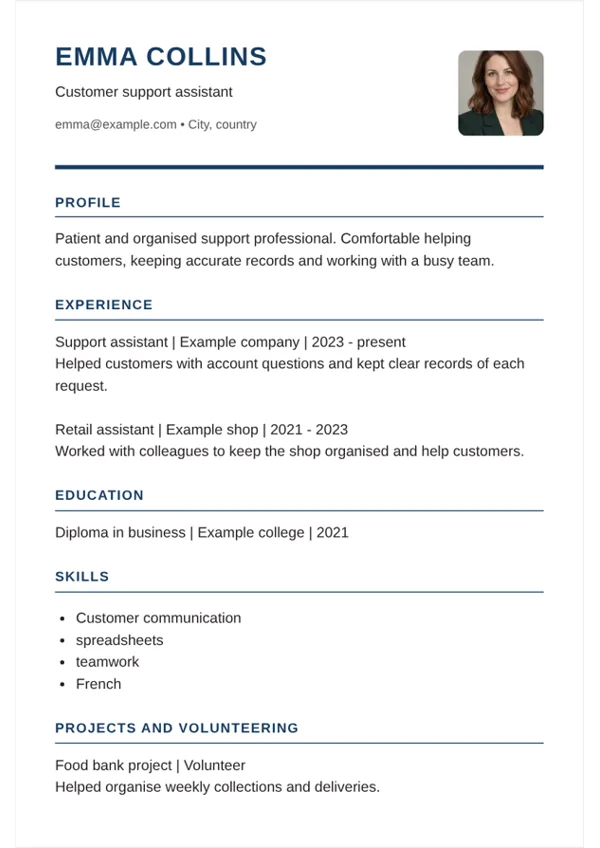
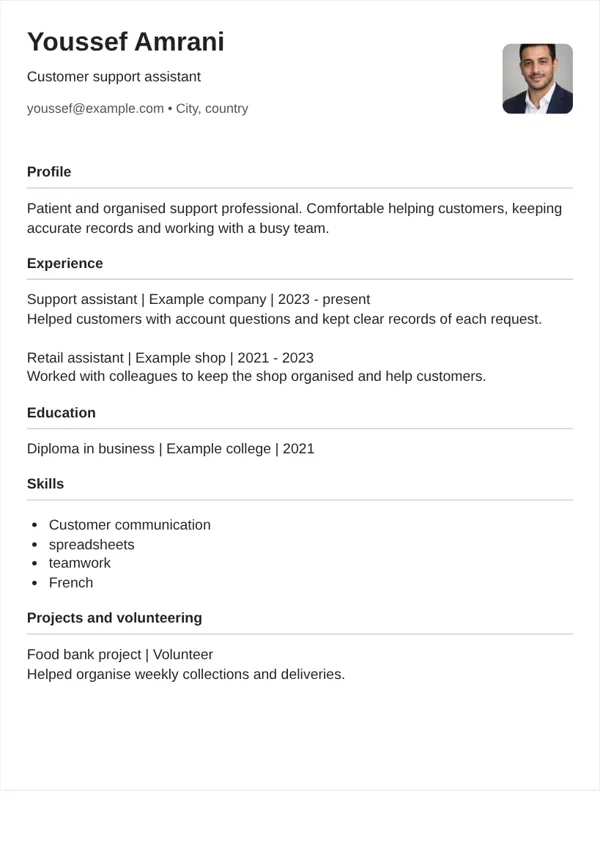
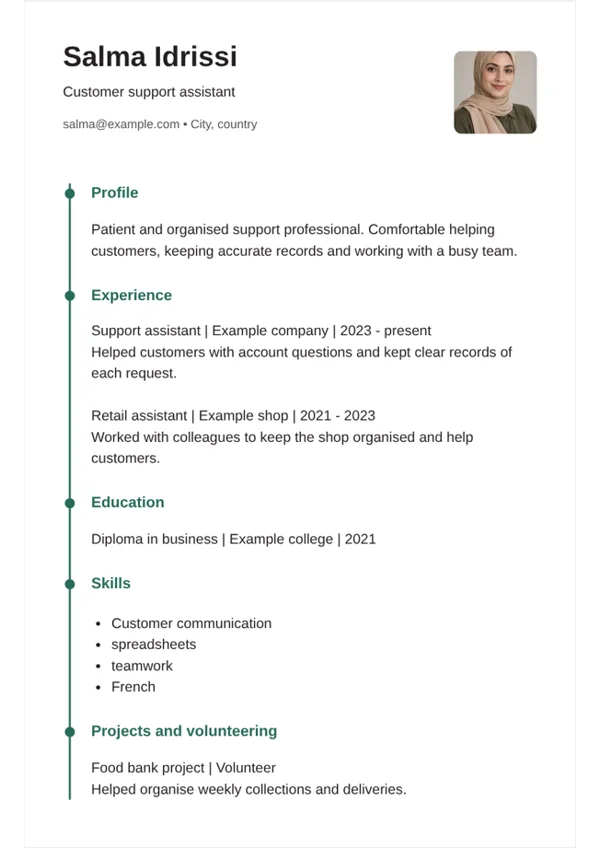
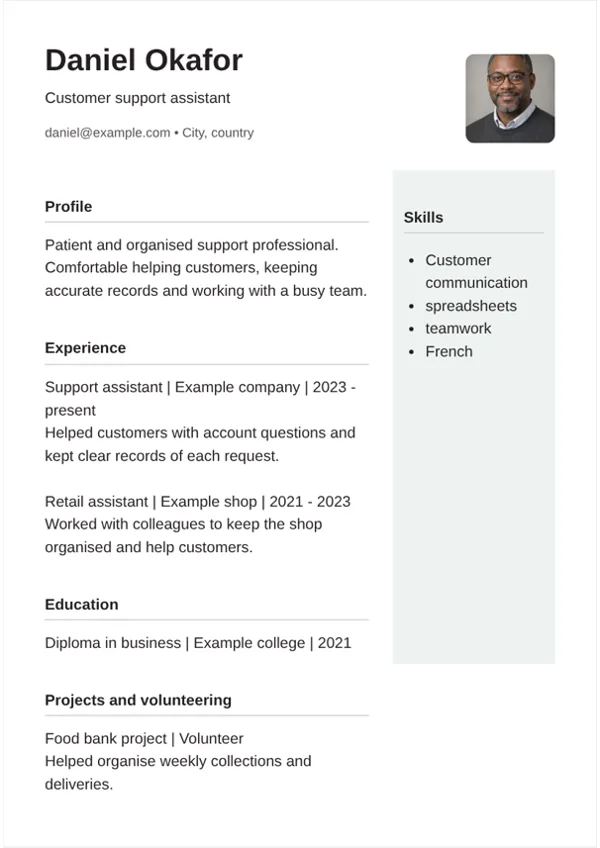
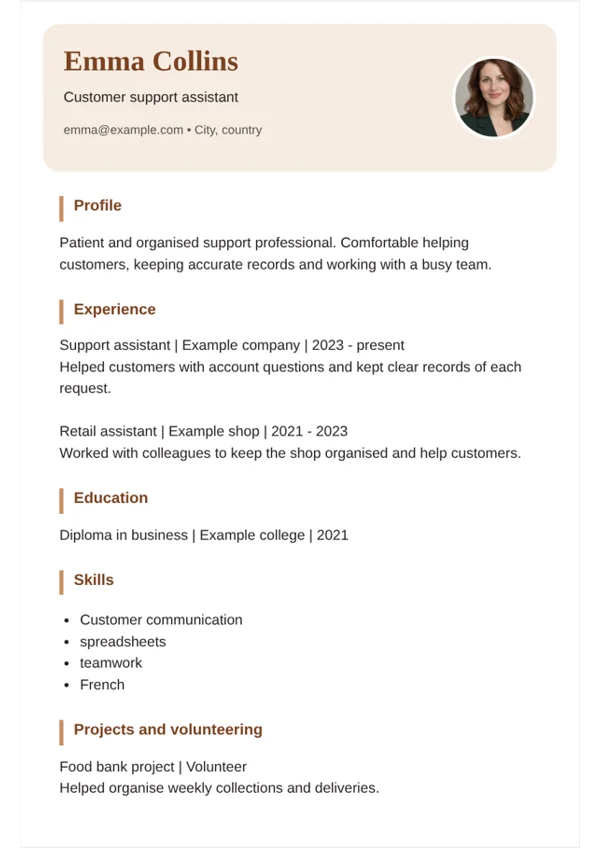
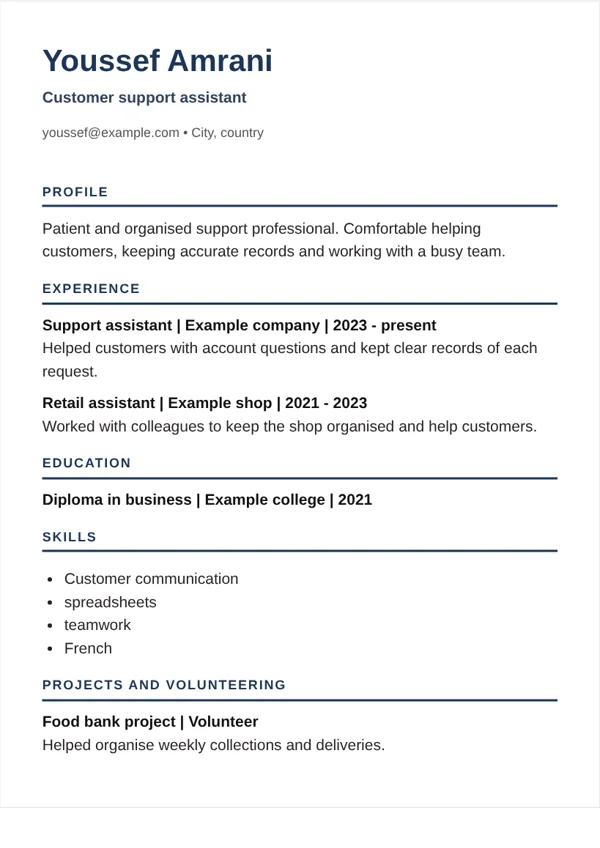
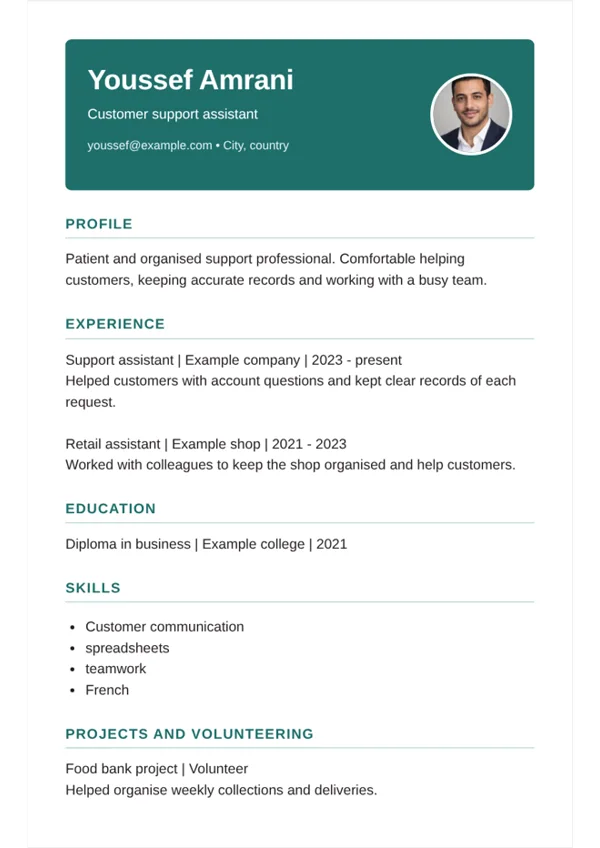
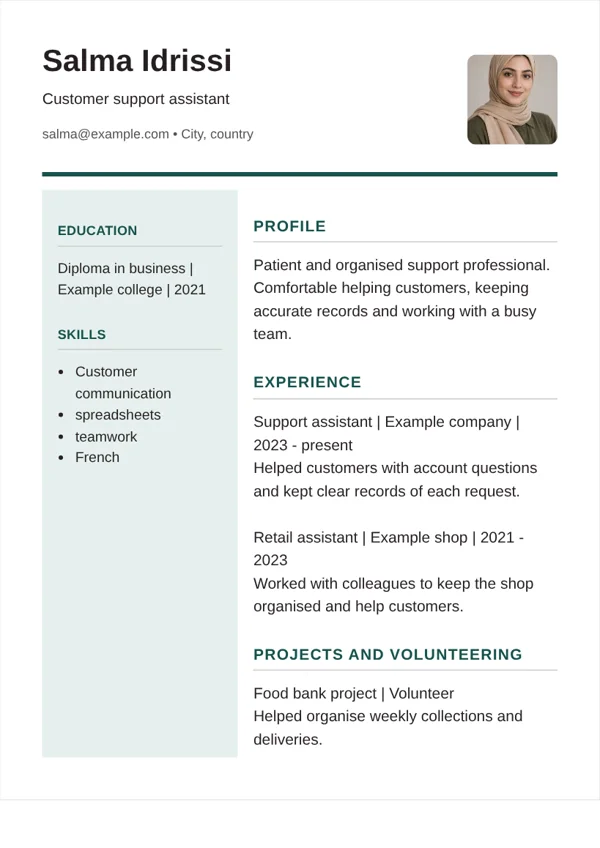
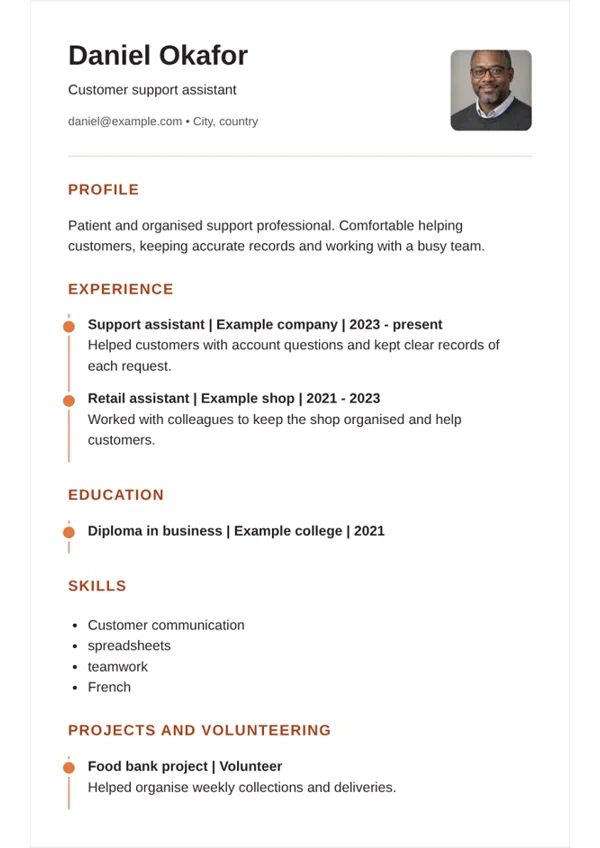
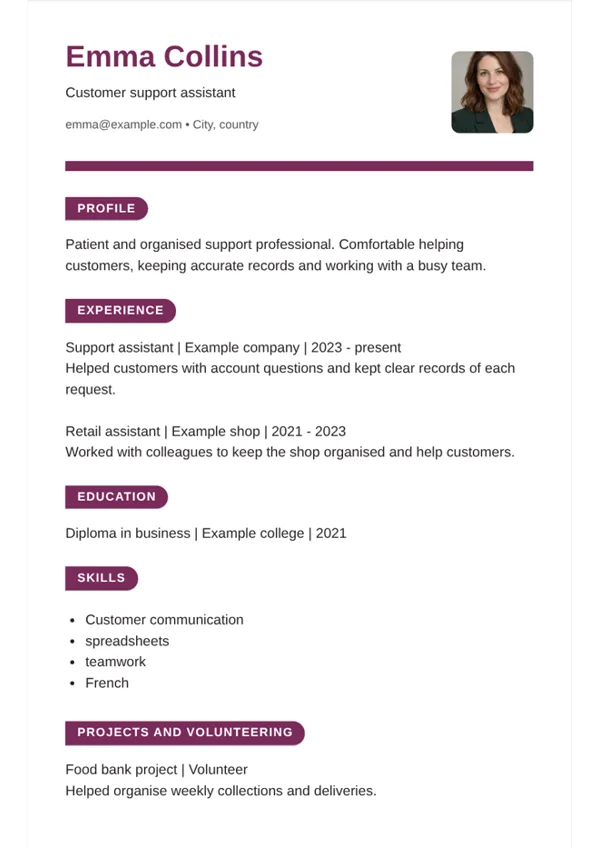
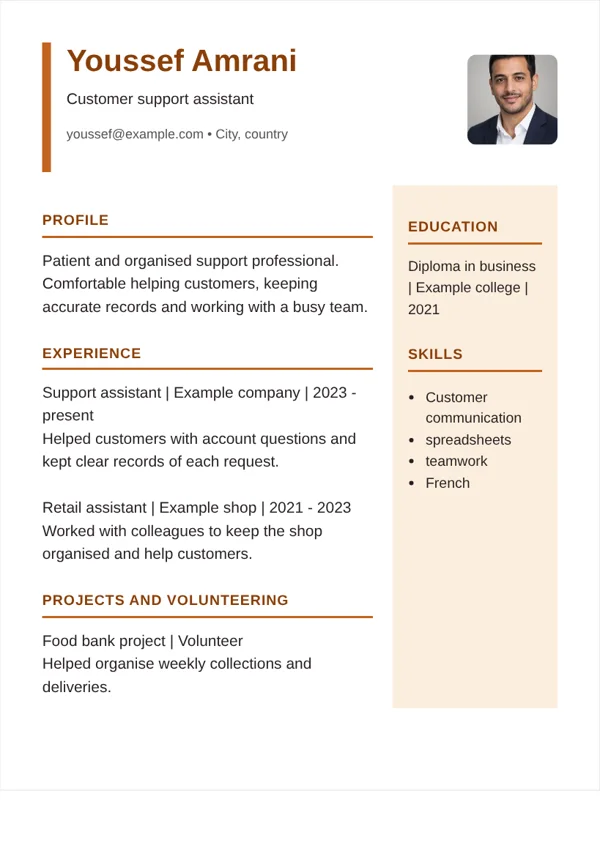
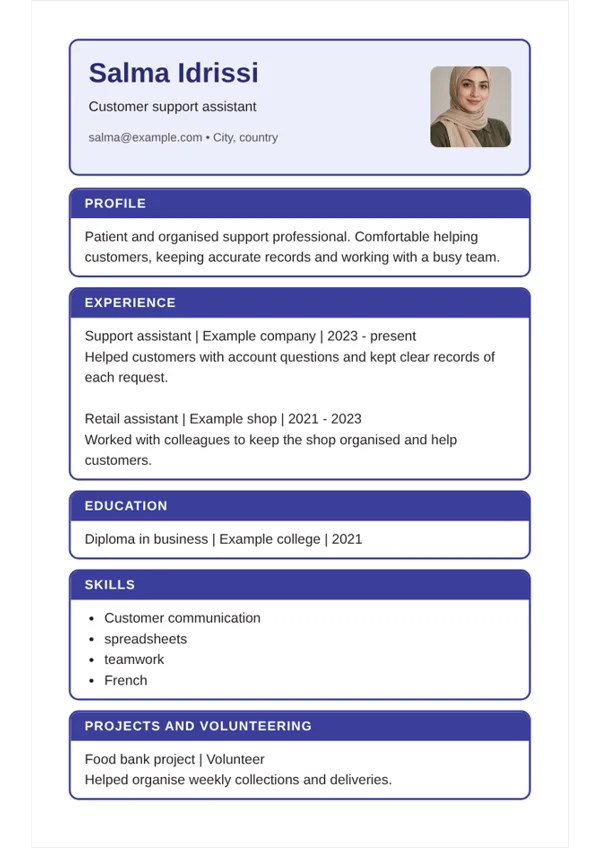
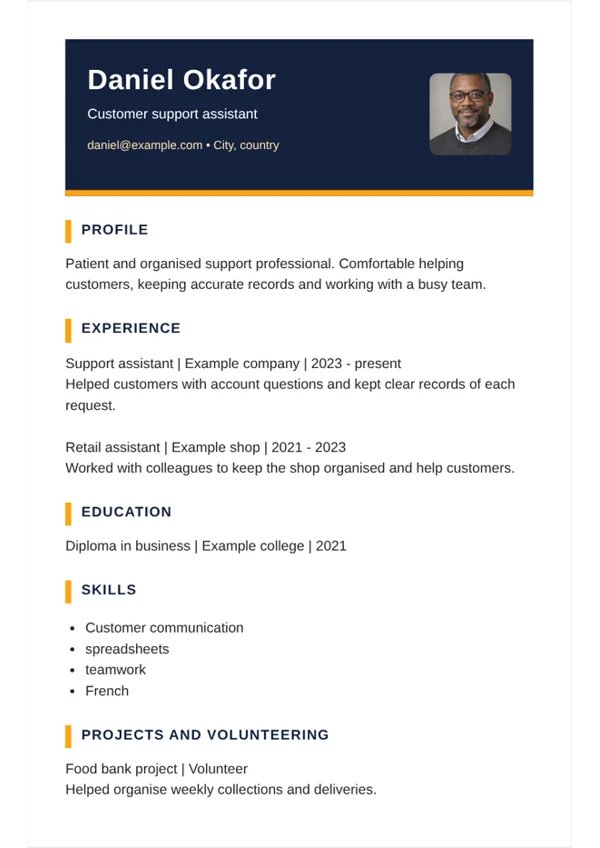
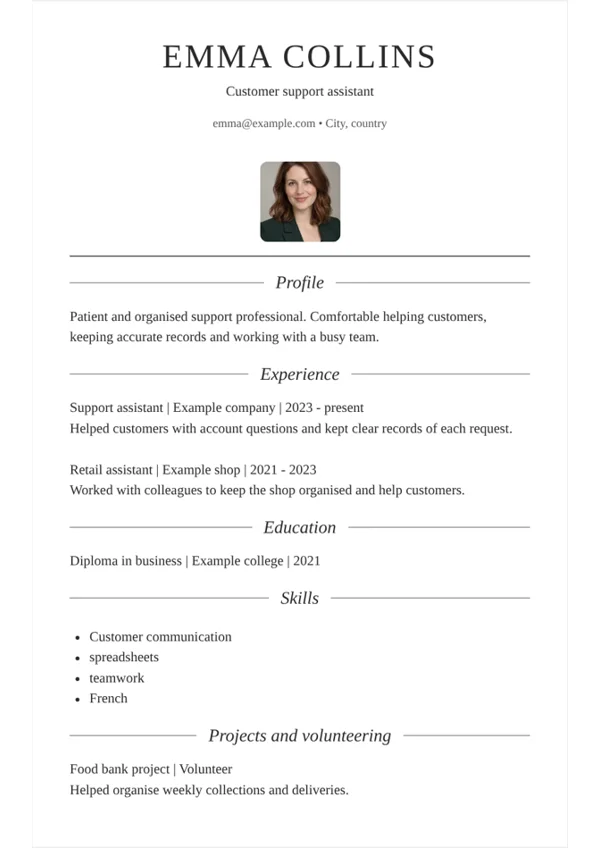
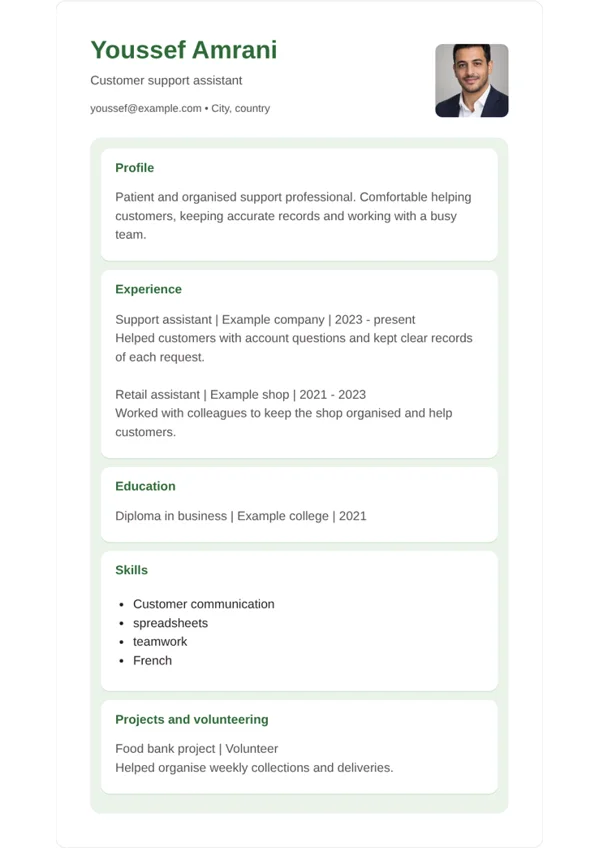
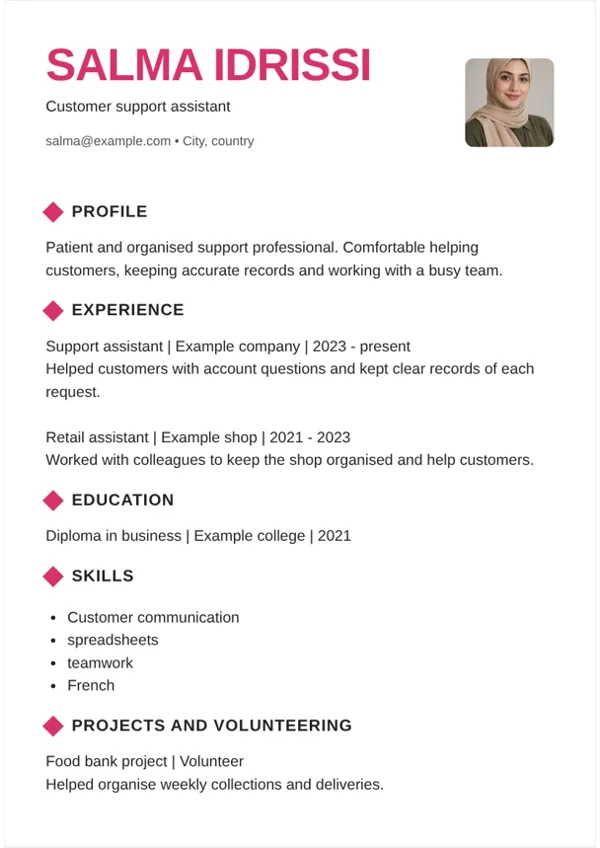
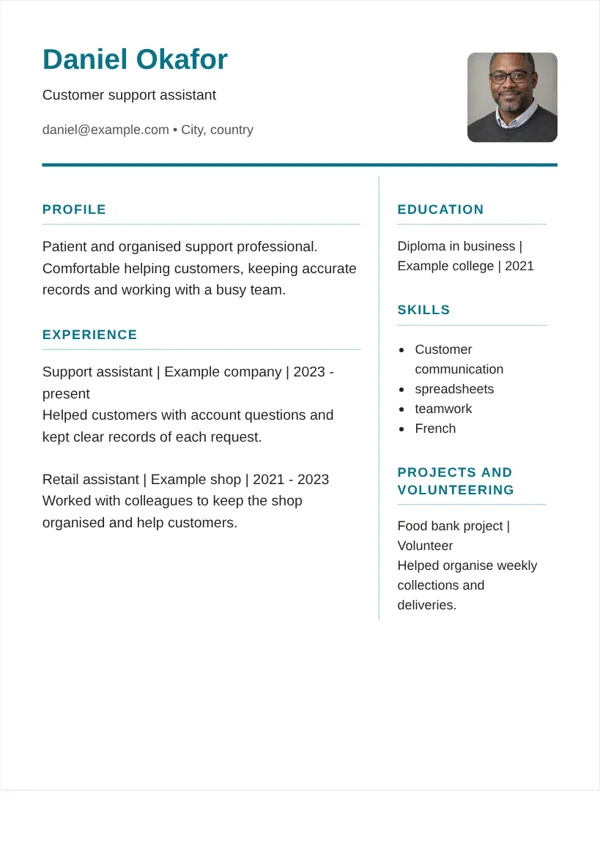
Simple CV templates for your first draft.
The writing desk
Make every section count.

How to write a CV with little work experience
Use projects, education and volunteering honestly.
Read the guide
How to tailor a CV without making things up
Match real evidence to the role, not a keyword score.
Read the guideFREE TOOLS
Tools for your job application
Job application tracker
Keep every application in one calm place: stage, follow-up dates and notes. Saved only in your browser, no account.
CV checker
Paste your CV text and get a simple checklist: contact details, sections, dates, numbers, clichés and length.
ATS resume checker
Paste your CV text for plain checks that matter to ATS software, with an optional job ad comparison.
Job ad keyword matcher
Paste a job ad and your CV to see which main words from the ad appear in your CV and which are missing.
Our approach
Made for your own words, not for data collection.
CVPebble has two parts: a CV builder that runs in your browser and plain-language writing guides with sources. Nothing you type in it is sent to a server. Read how we write the guides on the Editorial approach page.
FAQ
Good to know
Is CVPebble free?
Yes. The CV builder, the tools and the guides are free to use, and you do not need an account.
Do I need an account?
No. Open the builder and start typing. There is no sign-up and no login.
What happens to my data?
What you type in the builder and the tools stays in your browser and is not sent to us. A draft is saved on your device only if you turn that option on. If you accept cookies, Google Analytics counts visits, and your CV text is never part of that. Details are on the Privacy page.
Which languages are available?
English, Arabic (right to left), French, Spanish and Brazilian Portuguese. The guides are written in English first and translated with the help of machine-translation tools, so a sentence may sound awkward. Tell us if you find one.
How do I export my CV as a PDF?
Choose A4 or Letter in the builder, then select Download PDF. The PDF downloads directly, without a print dialog. You can also keep a JSON backup of your CV.
Can I use it for jobs in different countries?
The builder is not tied to one country, and it has 37 templates. Conventions do differ, for example on photos, length and personal details. In the US this document is called a resume: see writing a resume for the US and CV and resume worldwide and the photo guide before you apply abroad.
